Start with your account
Create an account and confirm your OTP. Add your bank account for eligible INR payouts.
- Register or sign in
- Confirm your contact with OTP
 DT ExchangeDownload App
 Your exchange, made simple. A clear path from your USDT wallet to your bank account—with a human review at every important step.
Signed Android release in preparation. Downloads are not yet available.
THE JOURNEY
Manual operations, made easy to follow. Deposits are reviewed before credit; INR payouts are sent by an authorized administrator.
Create an account and confirm your OTP. Add your bank account for eligible INR payouts.
Use the provided TRC20 deposit address. Enter the amount, submit the TxID and optionally attach proof.
An administrator checks the transaction. Only an approved deposit is credited to the ledger.
Your bank payout is prepared. An administrator sends INR manually and records the UTR and receipt.
MADE FOR YOUR EVERYDAY
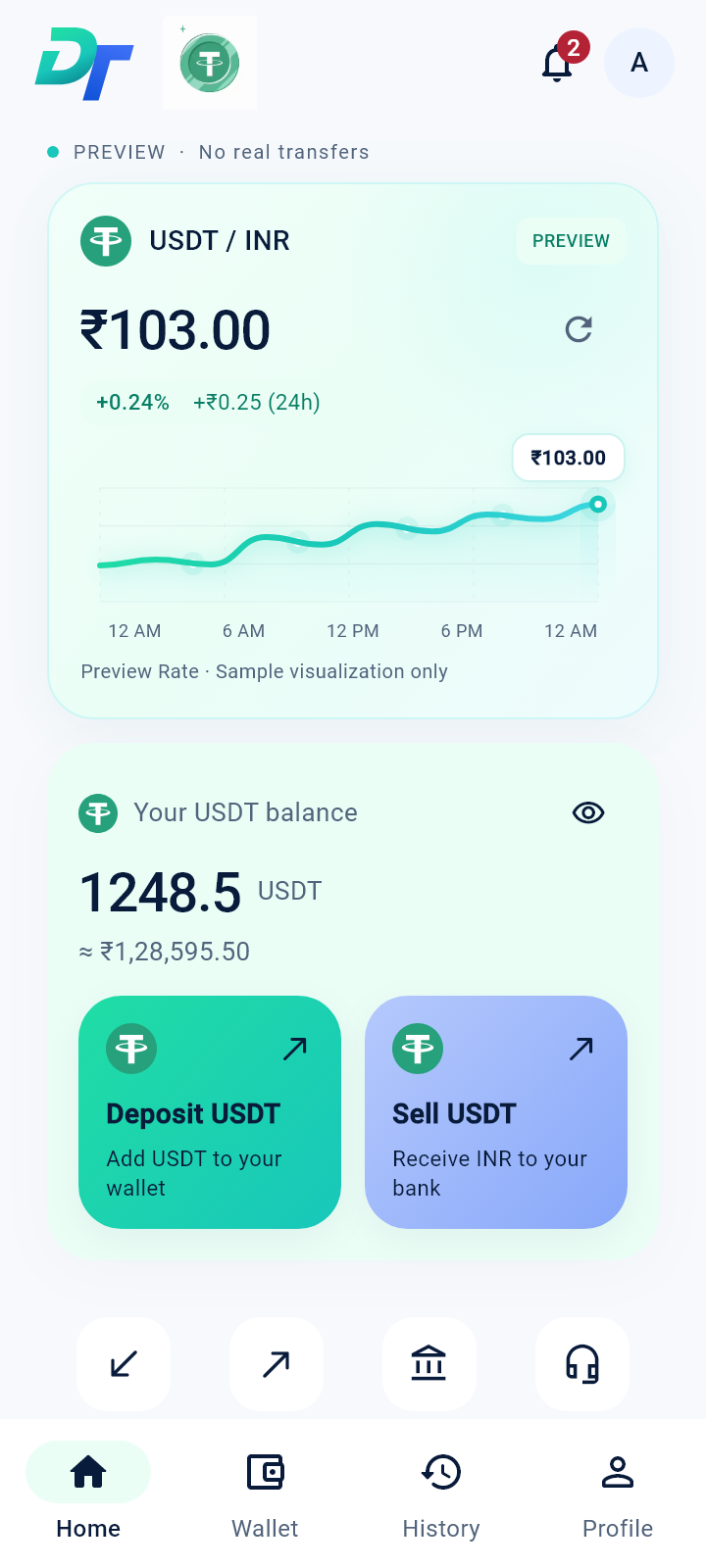
Wallet, bank details and transaction history in one considered Android experience.
See ledger-based USDT balances, review your conversion and sell from approved funds.
Submit a TRC20 TxID, enter your amount and attach an optional screenshot.
Follow your deposit from submission to review and approval, without guessing.
Manage bank accounts and track the INR payout prepared for your selected account.
Find deposits, sell orders, payout status, bank references and payment receipts in History.
Follow account notifications and contact support from the Android app.
DESIGNED AROUND ACCOUNTABILITY
Checks are part of the workflow, from the first transaction reference to the final payout receipt.
Deposit proof and payout receipts use authenticated access and encrypted storage.
The same network transaction hash cannot create another deposit credit.
Approved movements are recorded in balanced, append-only journals.
Admin actions use role permissions and audit records. Payouts retain a UTR or bank reference.
Official HTTPS endpoints and operational acceptance are required before launch. No external certification is claimed.
GOOD TO KNOW
Answers before your first exchange.
DT Exchange is an Android app designed to let you deposit USDT, sell approved wallet funds and receive INR through a manually operated bank payout workflow. The public Android release is in preparation.
The current deposit workflow supports USDT on TRON (TRC20). Use only the network and deposit address shown in the connected app. Never send funds to a preview screenshot or sample QR code.
Use the deposit address in the connected app, then submit the deposited USDT amount and transaction hash. A screenshot is optional where supported. Your request enters review; submitting proof does not credit the wallet.
An administrator must check the transaction details and approve the deposit before ledger credit. A screenshot alone is not payment confirmation. Follow the request status in the app.
After your deposit is approved, choose Sell USDT, enter the amount, select an eligible bank account and review the quote before confirming. Rates and fees are shown in the app; website screenshots contain sample values.
Payouts are handled manually. An authorized administrator prepares and sends the bank transfer, then records the UTR or bank reference and receipt. Follow the payout status in History.
When the signed release is available, visit the Download App page on this official website, download DTExchange.apk and follow the installation guide. The download stays unavailable until a verified release is staged.
Android asks for permission when installing an app outside Google Play. Allow installation only for the browser you used for this official download. Keep Play Protect enabled and turn that browser permission off after installation if you wish.
The app can notify you about an available version and direct you to the official download page. Updates are not silently installed. Check the version and SHA-256 checksum shown with each signed release.
Use Support in the Android app to create a ticket and include the relevant order reference. Public support contact details will be published before launch; no live contact channel is advertised here yet.
Open Support in the app and include your order reference. Keep passwords, OTPs and private keys out of support messages.
YOUR NEXT EXCHANGE
The DT Exchange Android release is on its way. Find signed release details and installation instructions on the official download page.
Explore Android App